

Alumni Mentorship Program
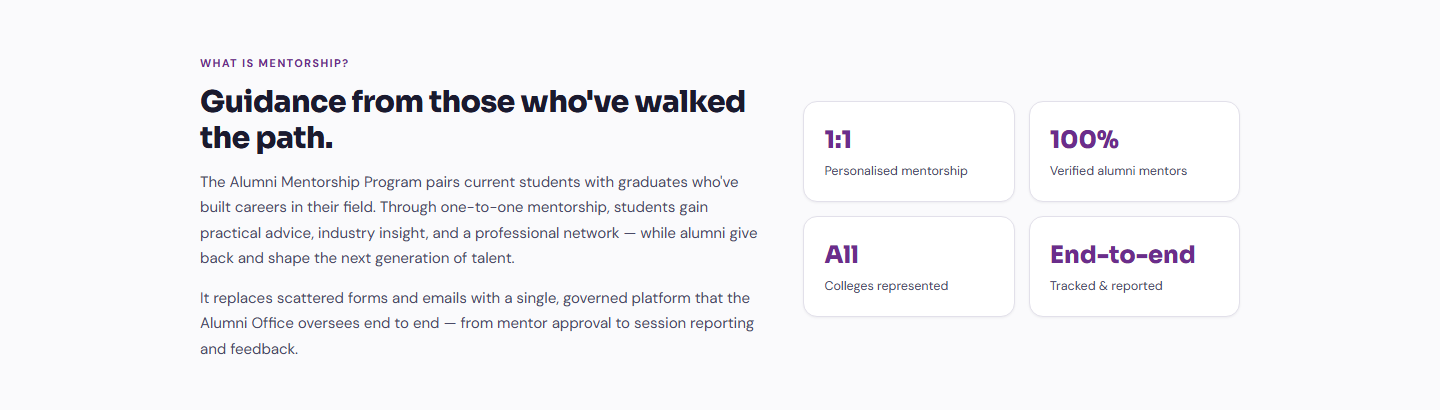
Guidance From Those Who’ve Walked the Path
The Alumni Mentorship Program connects university students with alumni mentors for career guidance, industry insights and professional development. Students find approved mentors who match their interests, alumni share their expertise, and the Alumni Office runs the whole program from one place on the BDB Platform.
Solution Overview
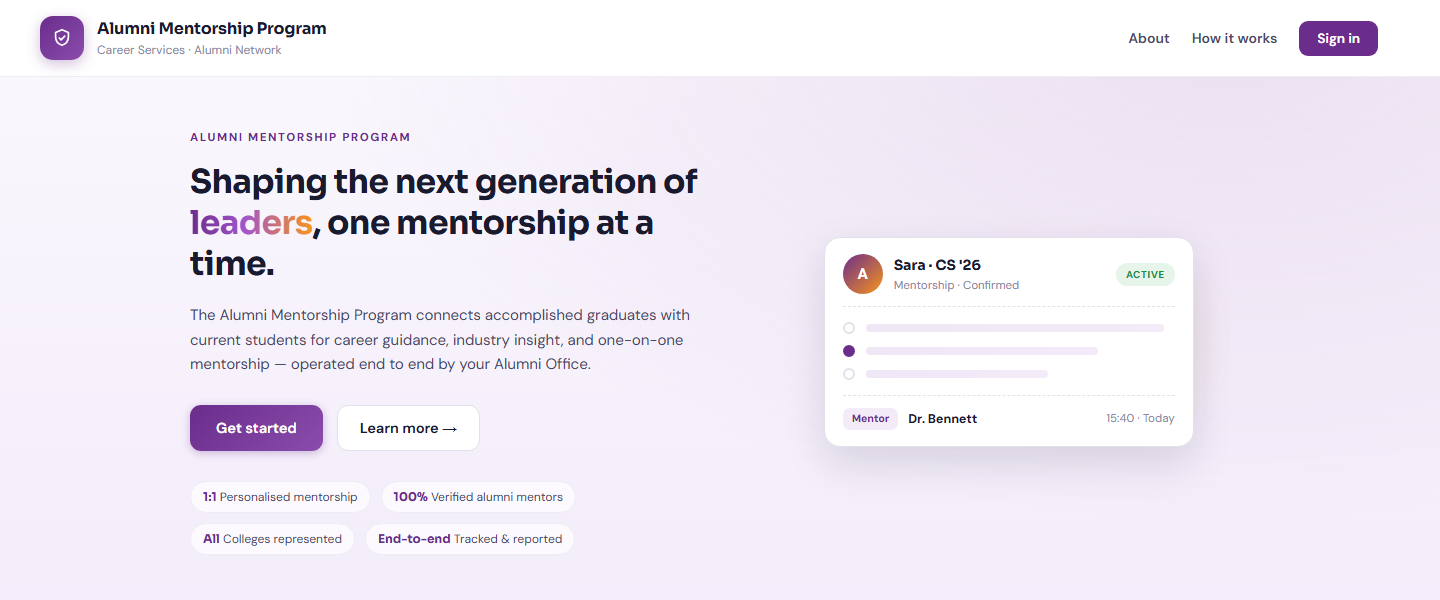
Shaping the next generation of leaders, one mentorship at a time
The Alumni Mentorship Program connects university students with alumni mentors for career guidance, industry insights, and professional development. Students can find approved mentors who match their interests, explore profiles and ratings, choose preferred meeting times, upload resumes and supporting documents, and track their mentorships through a personal dashboard.
Alumni can apply to become mentors, share their expertise and availability, manage their profiles, accept or decline requests, and arrange virtual or in-person meetings. Email notifications keep participants informed, while ratings and comments capture feedback from both sides.
- Approved alumni mentors matched to each student’s interests
- Mentor profiles, ratings and preferred meeting times
- Virtual or in-person sessions with topics, attendance and duration recorded
- Email notifications plus ratings and comments from both sides

What It Does
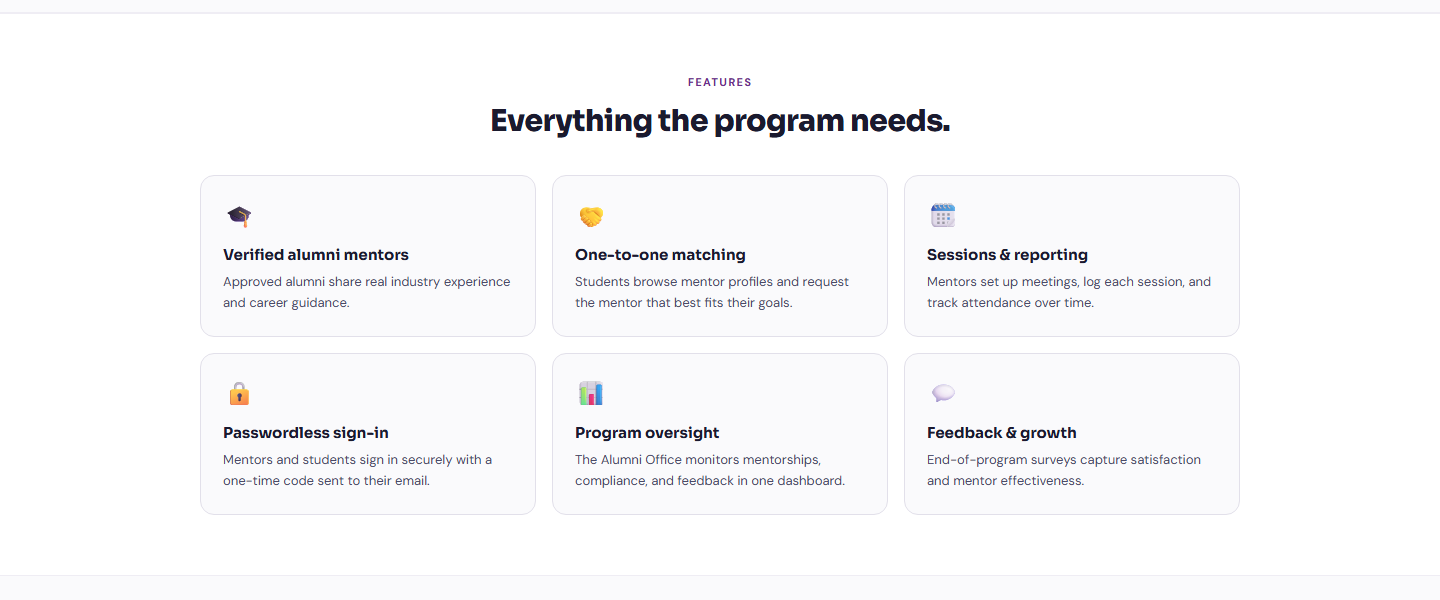
Verified Alumni Mentors
Alumni apply to become mentors and are approved by the Alumni Office before students can request them.
One-to-One Matching
Students browse mentor profiles, ratings and availability and request the mentor that best fits their goals.
Sessions & Reporting
Mentors arrange meetings, record topics, attendance and duration, and mark mentorships complete.
Who It Serves
Find a mentor and grow
- Find approved mentors who match their interests
- Explore mentor profiles and ratings
- Choose preferred meeting times
- Upload resumes and supporting documents
- Track mentorships through a personal dashboard
- Rate and comment on each mentorship
Share expertise and give back
- Apply to become a mentor and manage the profile
- Share expertise and availability
- Accept or decline mentorship requests
- Arrange virtual or in-person meetings
- Record session topics, attendance and duration
- Update meeting details and mark mentorships complete
Administer the program end to end
- Approve mentor applications
- Maintain student records and documents
- Review session reports
- Monitor satisfaction dashboards
- Customise email templates
- Manage meeting locations
How It Works
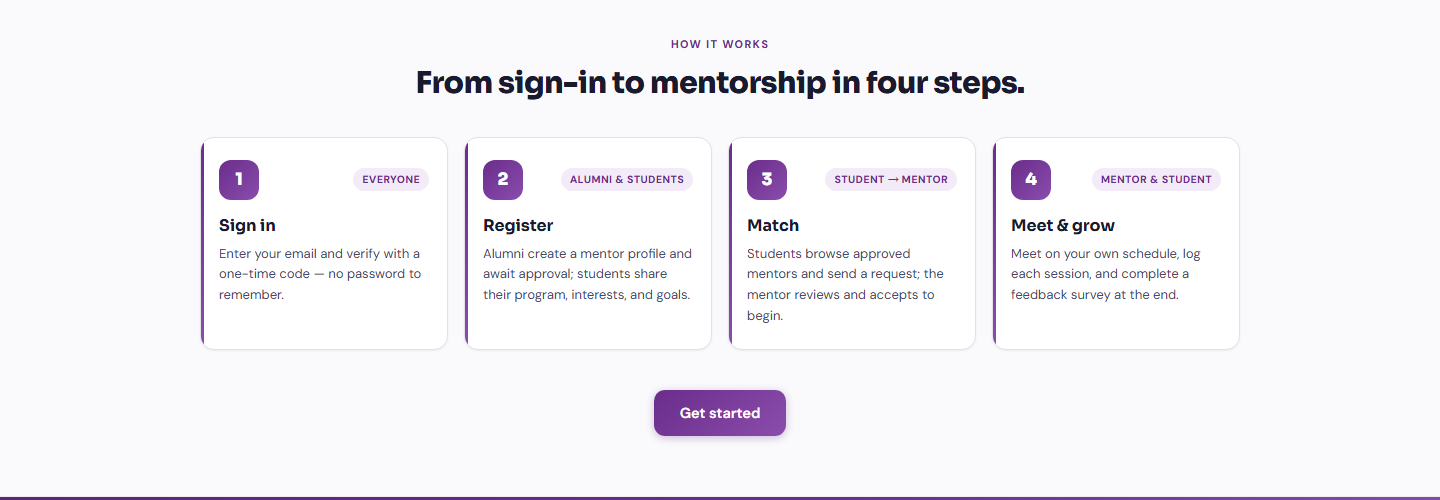
From sign-in to mentorship in four steps
Everyone signs in with a one-time code sent to their email. Alumni register and await approval, students share their program and goals, and a mentorship begins the moment a mentor accepts a request. Sessions and feedback are logged along the way so the Alumni Office always has a complete picture.
Sign In
Enter an email address and verify with a one-time code. No password to remember.
Register
Alumni create a mentor profile and await approval. Students share their program, interests and goals.
Match
Students browse approved mentors and send a request. The mentor reviews and accepts to begin.
Meet & Grow
Meet virtually or in person, log each session, and complete ratings and comments at the end.
Benefits and Features
Passwordless Sign-In
Students, mentors and staff sign in securely with a one-time code sent to their email.
Mentor Profiles & Ratings
Students explore mentor expertise, availability and ratings before sending a request.
Flexible Meeting Times
Students choose preferred times and mentors arrange virtual or in-person meetings.
Resume & Document Upload
Resumes and supporting documents travel with the mentorship request.
Mentor Approvals
The Alumni Office reviews and approves mentor applications before they go live.
Session Records
Mentors record session topics, attendance and duration, and mark mentorships complete.
Email Notifications & Templates
Participants stay informed with notifications built on customisable email templates.
Two-Way Feedback
Ratings and comments capture feedback from both the student and the mentor.
Satisfaction Dashboards
Session reports and satisfaction dashboards give the Alumni Office a live view of the program.
Platform Screens

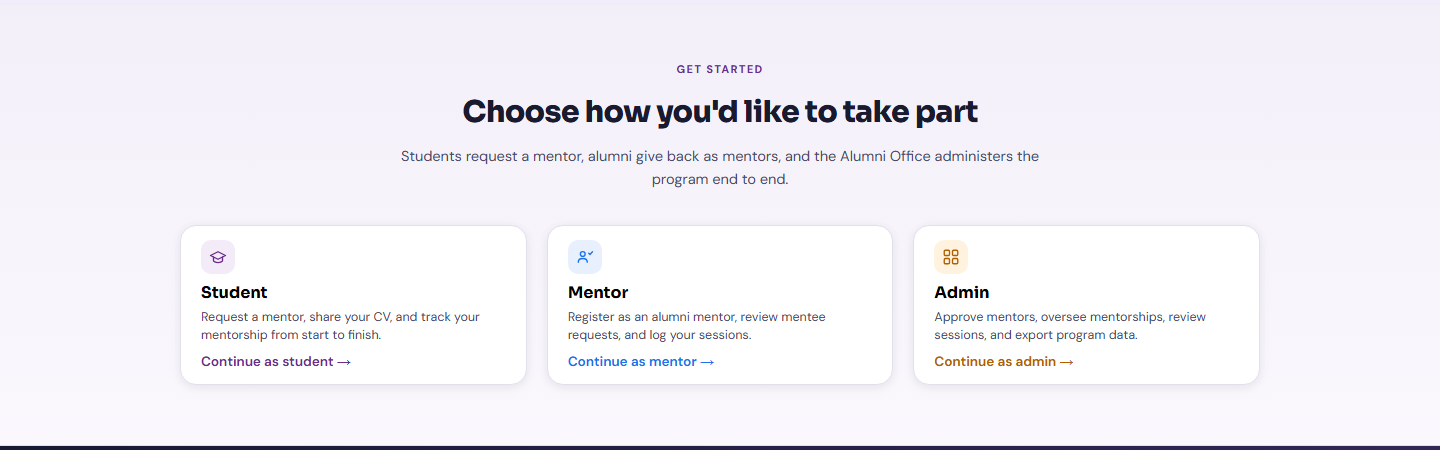
Three Portals, One Platform
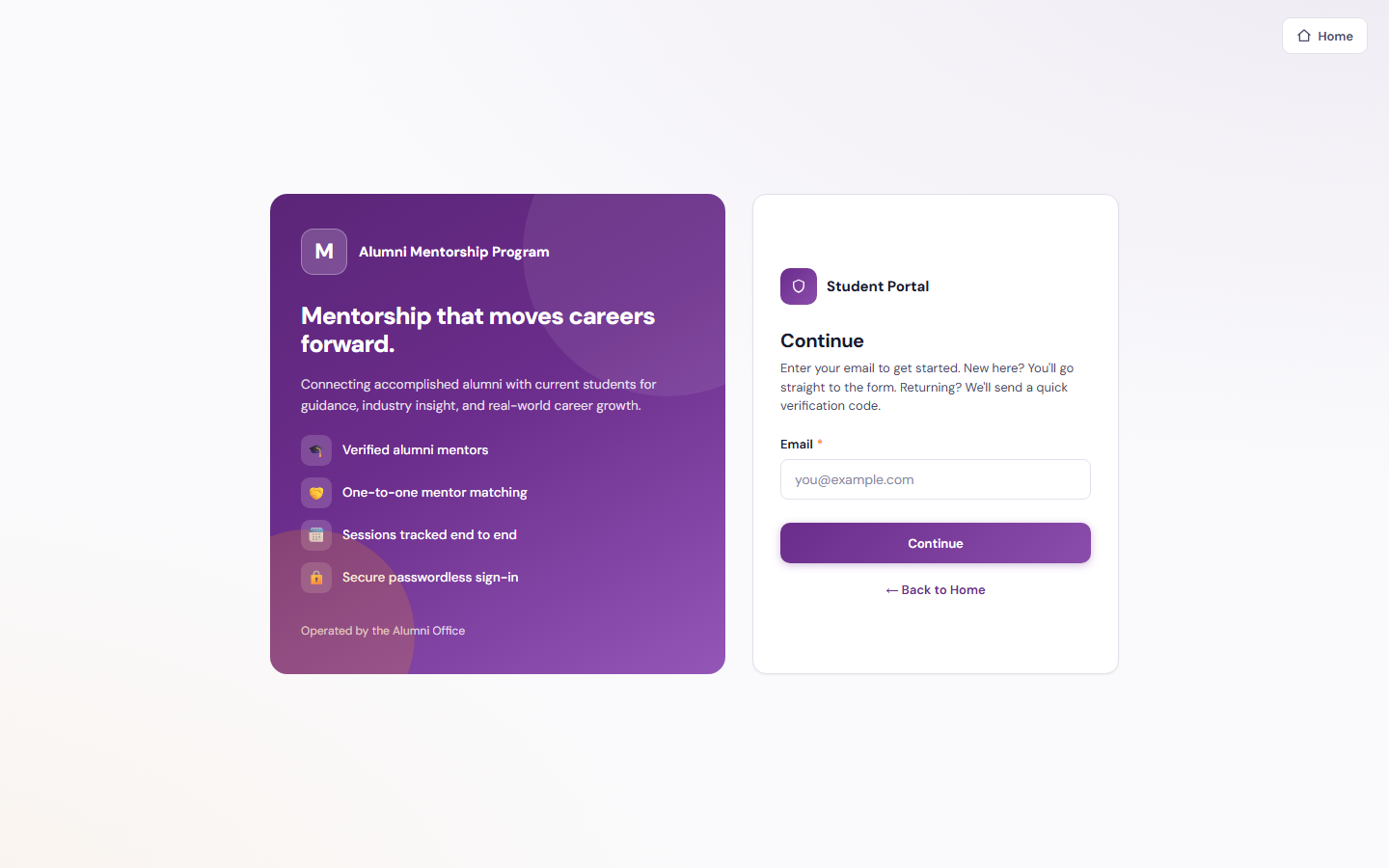
Student
Request a mentor, share your CV, and track your mentorship from start to finish.
Continue as Student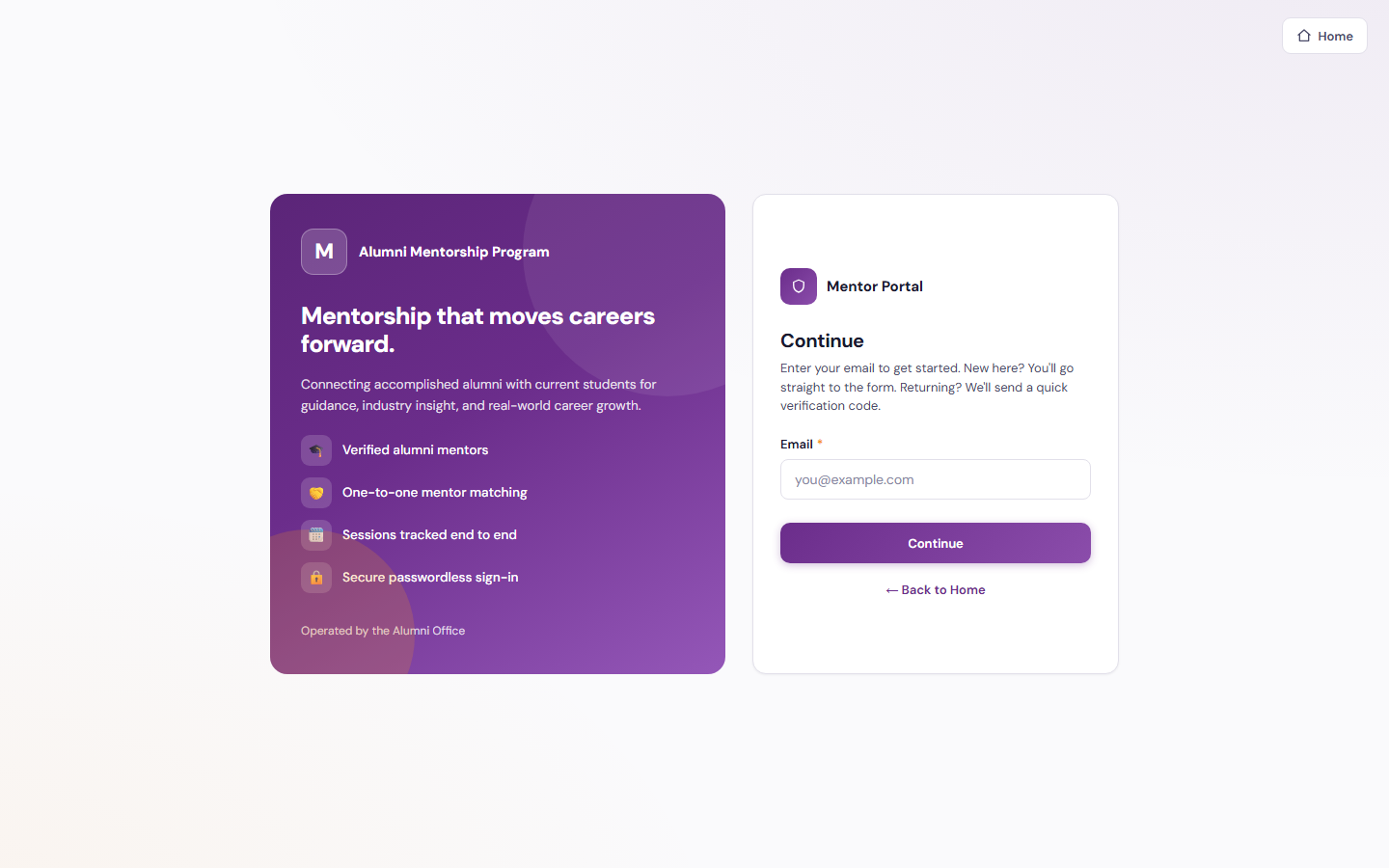
Mentor
Register as an alumni mentor, review mentee requests, and log your sessions.
Continue as Mentor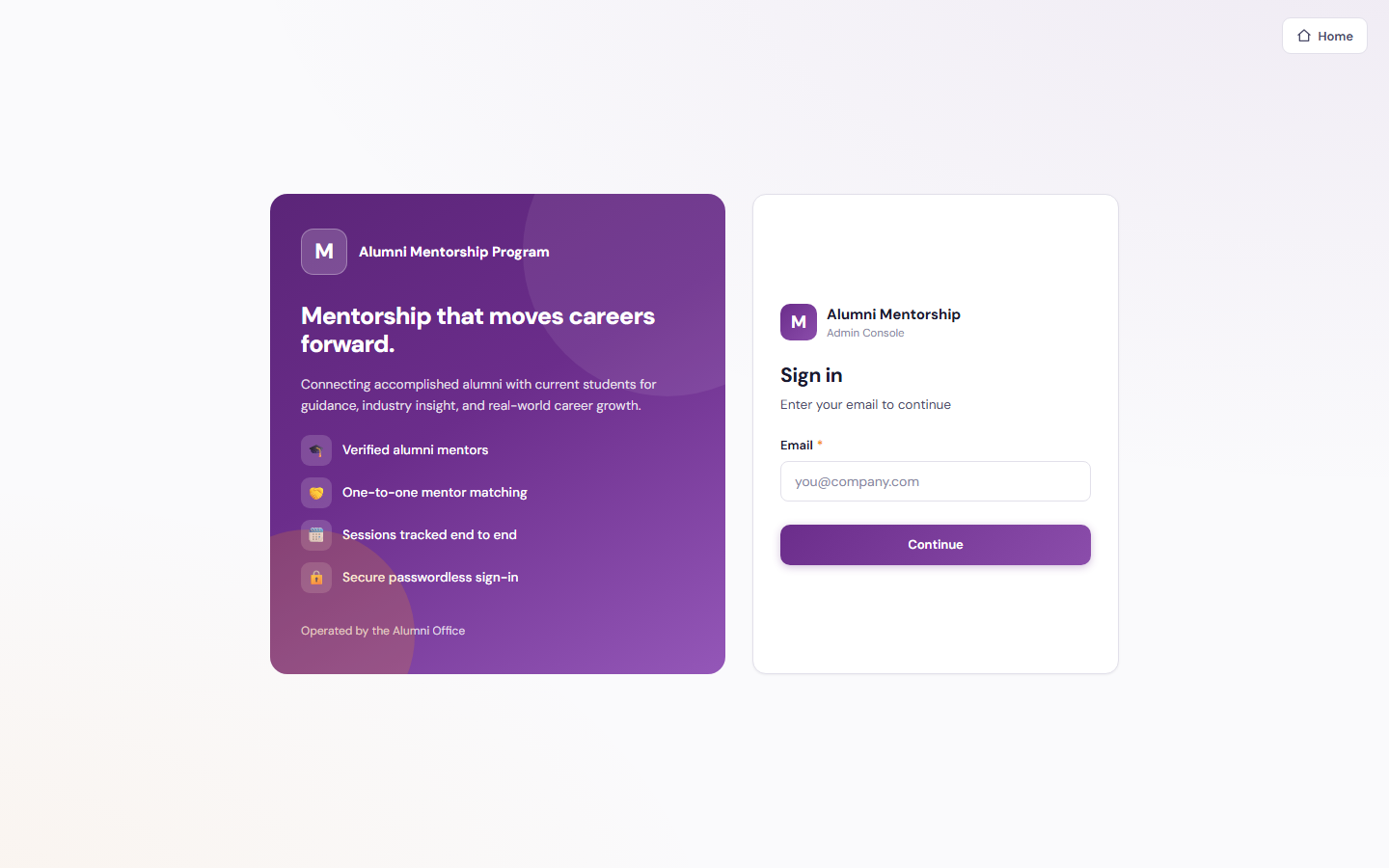
Admin
Approve mentors, oversee mentorships, review sessions, and export program data.
Continue as Admin
Tailored to Your Institution
Flexible by design
The solution provides flexibility to tailor components to the institution’s own identity and requirements. Logo, branding, colour theme, communication style, terminology, workflows and other institution-specific requirements can be customised if required.
Every element seen in the demo is a starting point. Yujaa configures the solution around how your alumni office already works, so everyone experiences a platform that feels like their own.
Logo & Branding
Institution logo, name and visual identity across every portal and email.
Colour Theme
Palette and styling aligned to the institution’s brand guidelines.
Communication & Terminology
Email tone, labels and terms matched to how the institution speaks.
Workflows
Approval steps, forms and role permissions set to local requirements.
Ready to Start Your Mentorship Journey?
Walk through the student, mentor and Alumni Office experiences in the live demo. Built and hosted on the BDB Platform.