

Student Employee Management
Campus Student Employment, End to End
Student Employee Management (SEM) brings students, supervisors and administrators together to manage campus employment from registration to job completion. Profiles, job postings, candidate matching, interviews, offers, timesheets, feedback and closure all run on one governed platform on the BDB Platform.
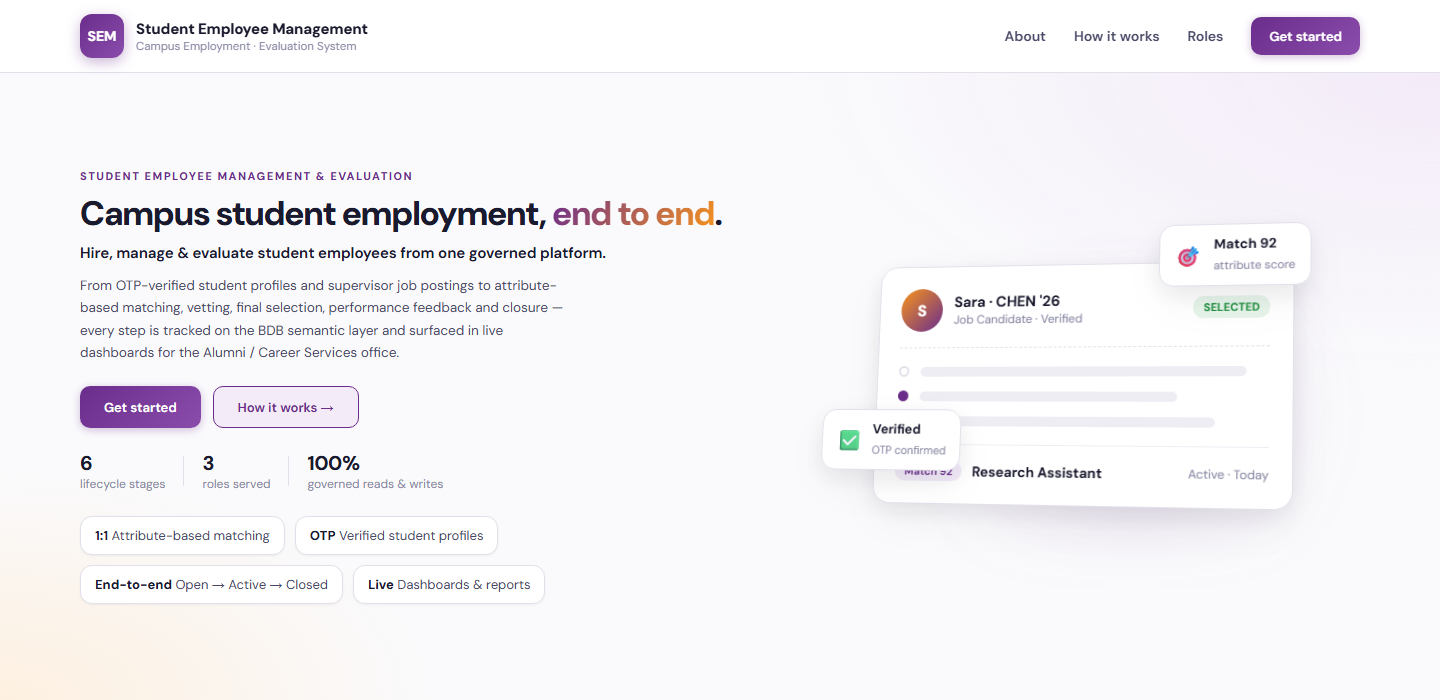
Solution Overview
One system for the whole student-employment lifecycle
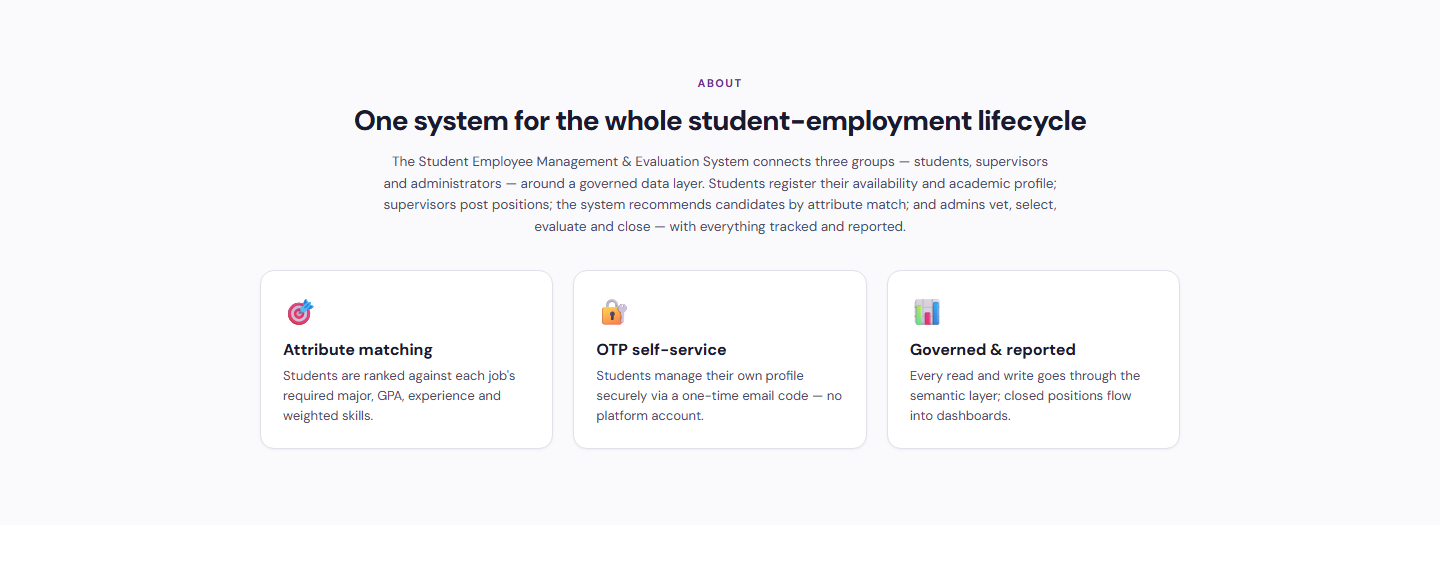
Student Employee Management (SEM) brings students, supervisors, and administrators together to manage campus employment from registration to job completion. Students can create profiles, upload résumés and supporting documents, share their skills and availability, and track their hiring progress. They can also confirm interviews, accept or decline job offers and extensions, submit weekly timesheets, and download completion certificates.
For staff, the app supports creating and sharing job postings, recommending suitable candidates with clear matching explanations, reviewing eligibility, scheduling interviews, and recording hiring decisions. Dashboards and an AI assistant help staff understand hiring activity, student performance, and working hours.
- Attribute-based candidate recommendations with clear matching explanations
- Interviews, offers and extensions tracked from posting to closure
- Weekly timesheets with supervisor and administrator feedback
- Email notifications, scheduled reminders, dashboards and an AI assistant

What It Does
Attribute Matching
Students are ranked against each job’s required major, GPA, experience and weighted skills, with clear explanations of every recommendation.
OTP Self-Service
Students create and manage their own profile securely with a one-time email code. No platform account is needed.
Governed & Reported
Every step is tracked on the BDB semantic layer, and closed positions flow straight into live dashboards and reports.
Who It Serves
From profile to completion certificate
- Create a profile and upload résumés and documents
- Share skills and availability
- Track hiring progress
- Confirm interviews
- Accept or decline job offers and extensions
- Submit weekly timesheets and download completion certificates
Post jobs and build the team
- Create and share job postings with requirements and skills
- Review recommended candidates and matching explanations
- Review eligibility and schedule interviews
- Record hiring decisions
- Review timesheets
- Provide performance feedback
Oversee the full lifecycle
- Oversee student records
- Vet and verify matched candidates
- Review timesheets and feedback
- Manage job closure
- Send notifications and scheduled reminders
- Use dashboards and the AI assistant for hiring and performance insight
How It Works
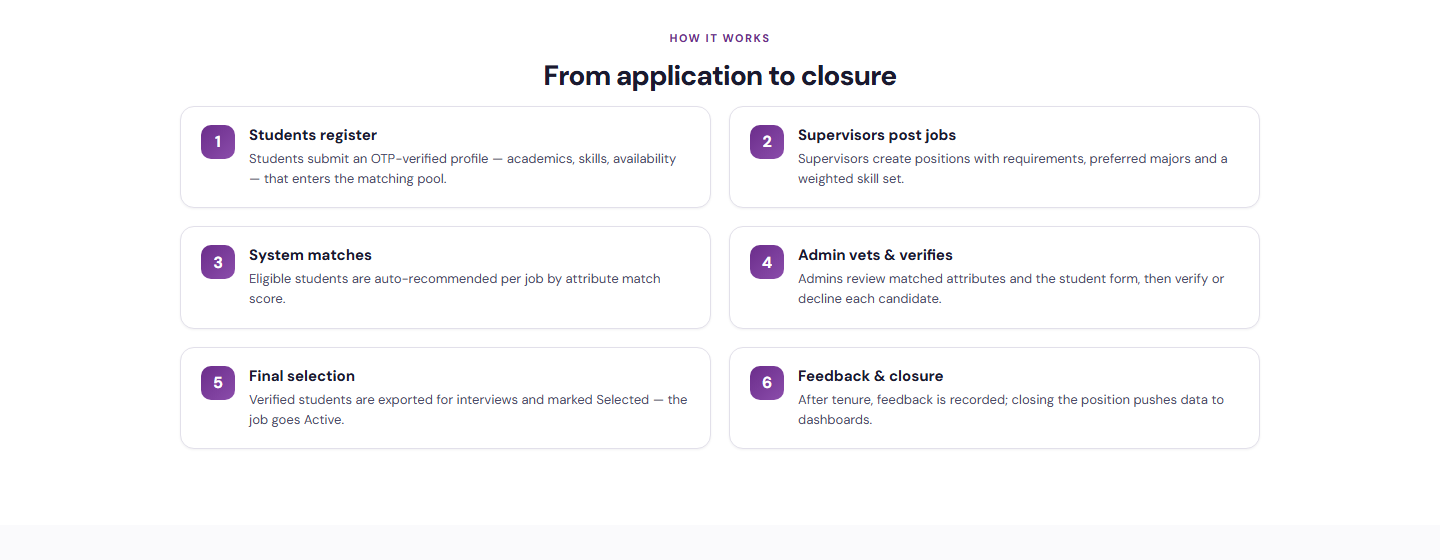
From application to closure
Students register an OTP-verified profile, supervisors post positions, and the system recommends candidates by attribute match. Administrators vet and verify, final selection takes the job active, and feedback at the end of tenure closes the position and feeds the dashboards.
Students Register
Students submit an OTP-verified profile with academics, skills and availability that enters the matching pool.
Supervisors Post Jobs
Supervisors create positions with requirements, preferred majors and a weighted skill set.
System Matches
Eligible students are recommended per job by attribute match score, with clear explanations.
Admin Vets & Verifies
Administrators review matched attributes and the student form, then verify or decline each candidate.
Final Selection
Verified students are interviewed and marked Selected. Offers and extensions are accepted or declined.
Feedback & Closure
Timesheets and performance feedback are recorded. Closing the position pushes data to dashboards.
Benefits and Features
OTP-Verified Student Profiles
Students manage their own profile, résumé, skills and availability with a one-time email code.
Job Postings & Recommendations
Supervisors create and share postings and receive suitable candidates with clear matching explanations.
Eligibility Review & Interviews
Staff review eligibility, schedule interviews, and students confirm them in the app.
Offers & Extensions
Students accept or decline job offers and extensions, and staff record hiring decisions.
Weekly Timesheets
Students submit weekly timesheets that supervisors and administrators review.
Performance Feedback
Supervisors and administrators provide performance feedback at the end of tenure.
Completion Certificates
Students download completion certificates once a job is closed.
Notifications & Reminders
Email notifications and scheduled reminders keep everyone informed at each stage.
Dashboards & AI Assistant
Dashboards and an AI assistant help staff understand hiring activity, student performance and working hours.
Platform Screens
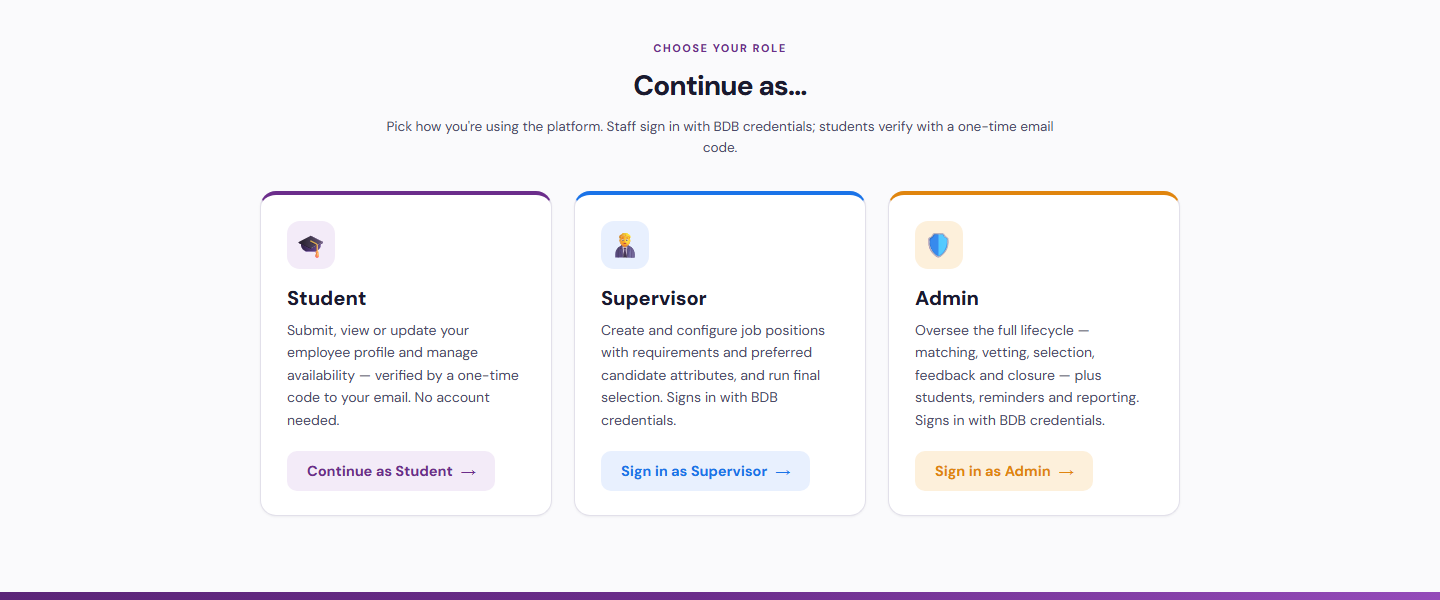
Three Portals, One Platform
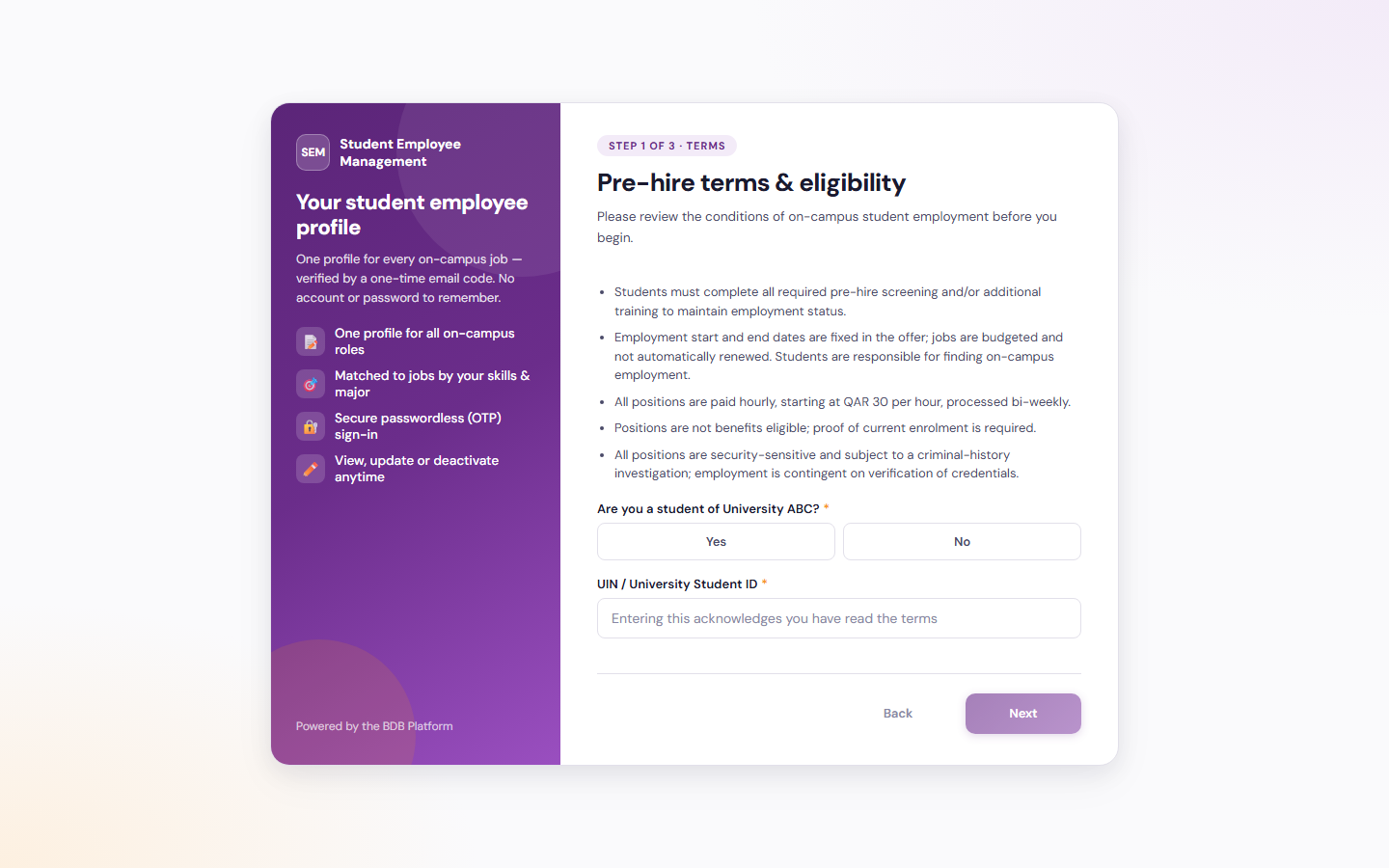
Student
Submit, view or update your employee profile and manage availability. Verified by a one-time code.
Continue as Student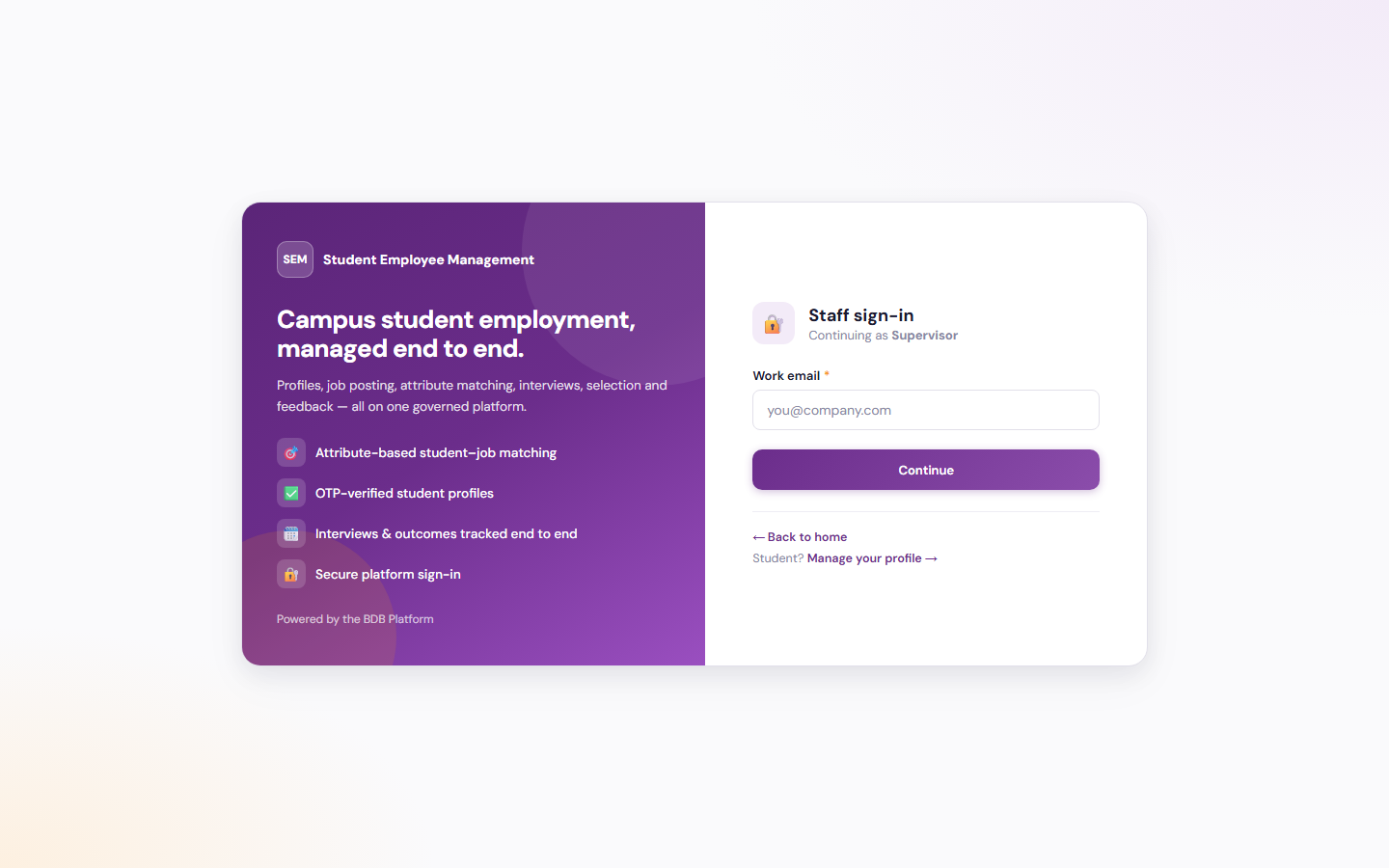
Supervisor
Create and configure job positions, review candidates and run final selection.
Continue as Supervisor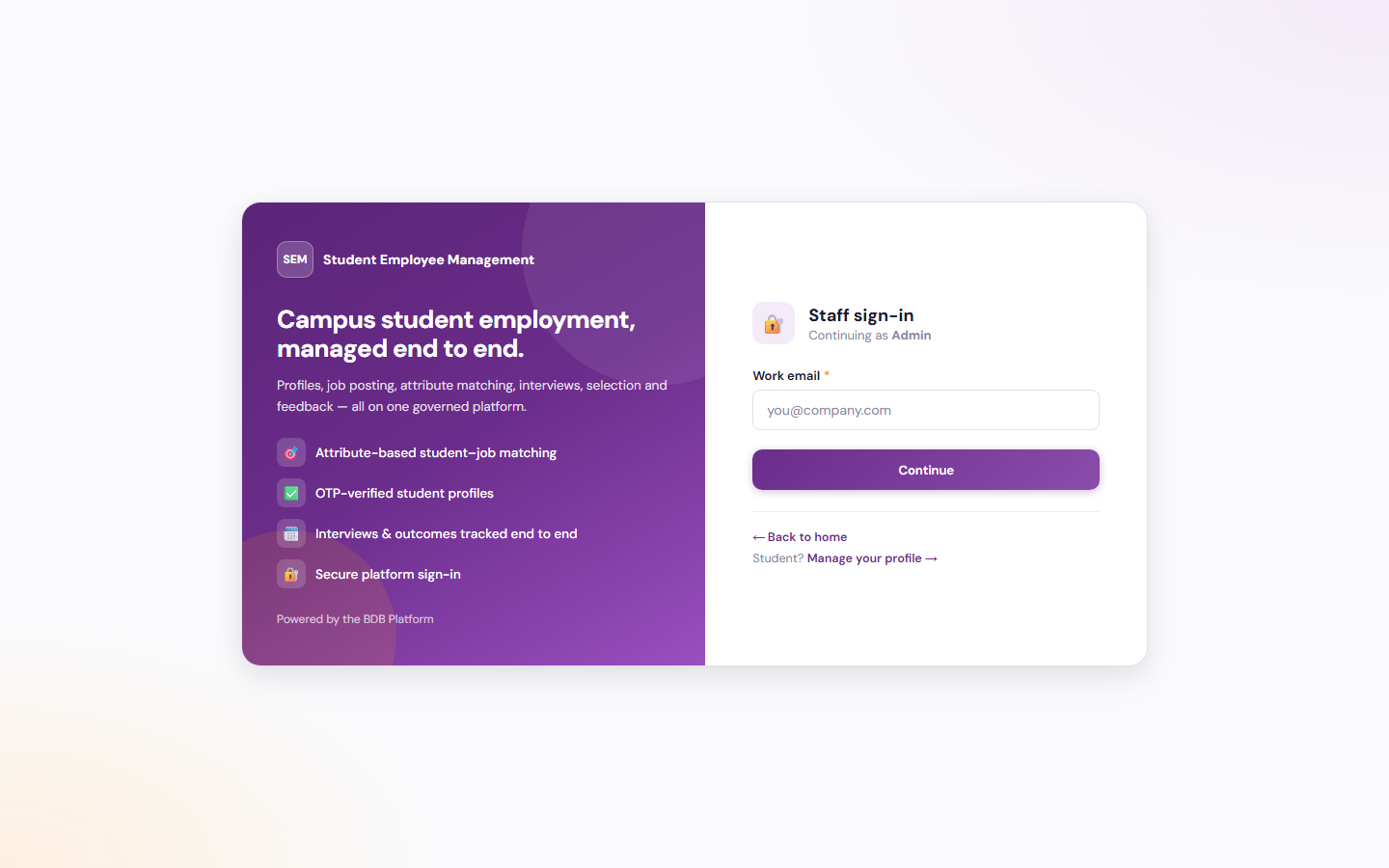
Admin
Oversee matching, vetting, selection, feedback and closure, plus students, reminders and reporting.
Continue as Admin
Tailored to Your Institution
Flexible by design
The solution provides flexibility to tailor components to the institution’s own identity and requirements. Logo, branding, colour theme, communication style, terminology, workflows and other institution-specific requirements can be customised if required.
Every element seen in the demo is a starting point. Yujaa configures the solution around how your career services office already works, so everyone experiences a platform that feels like their own.
Logo & Branding
Institution logo, name and visual identity across every portal and email.
Colour Theme
Palette and styling aligned to the institution’s brand guidelines.
Communication & Terminology
Email tone, labels and terms matched to how the institution speaks.
Workflows
Approval steps, forms and role permissions set to local requirements.
Ready to Get Started?
Walk through the student, supervisor and administrator experiences in the live demo. Built and hosted on the BDB Platform.